Speech To Text Awesomeness in Siebel Open UI - Part 2
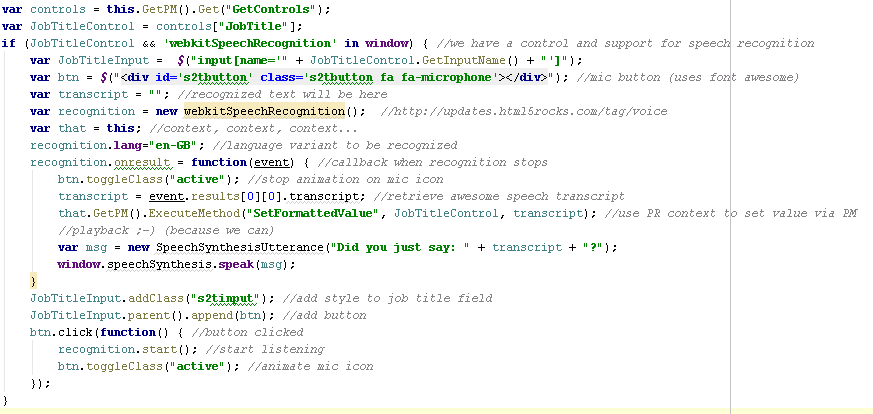
Welcome back to the second and final part of our speech to text tutorial (complete with awesome fonts). In the first part , we created a custom PR for the Contact Form Applet and put all the Font Awesome files in the right places. Today it's time to tackle the PR code in earnest. Remember we want to achieve the following: Display a microphone button in a text field using a scalable icon by Font Awesome Allow speech input using the HTML5 Web Speech API Animate the microphone icon during recording with CSS animation Write the recognized text to a field according using the Siebel Open UI API (of course) Play back the recorded text using the HTML5 Speech Synthesis API So let's open our primordial physical renderer and implement the following code inside the ShowUI method: Click to enlarge (yeah I know, it's just a screenshot) Grab the full code here . Let's walk through the code line by line: First, we 'get' the GetControls property to initialize the controls ...
